
Cross sections to see inside the body
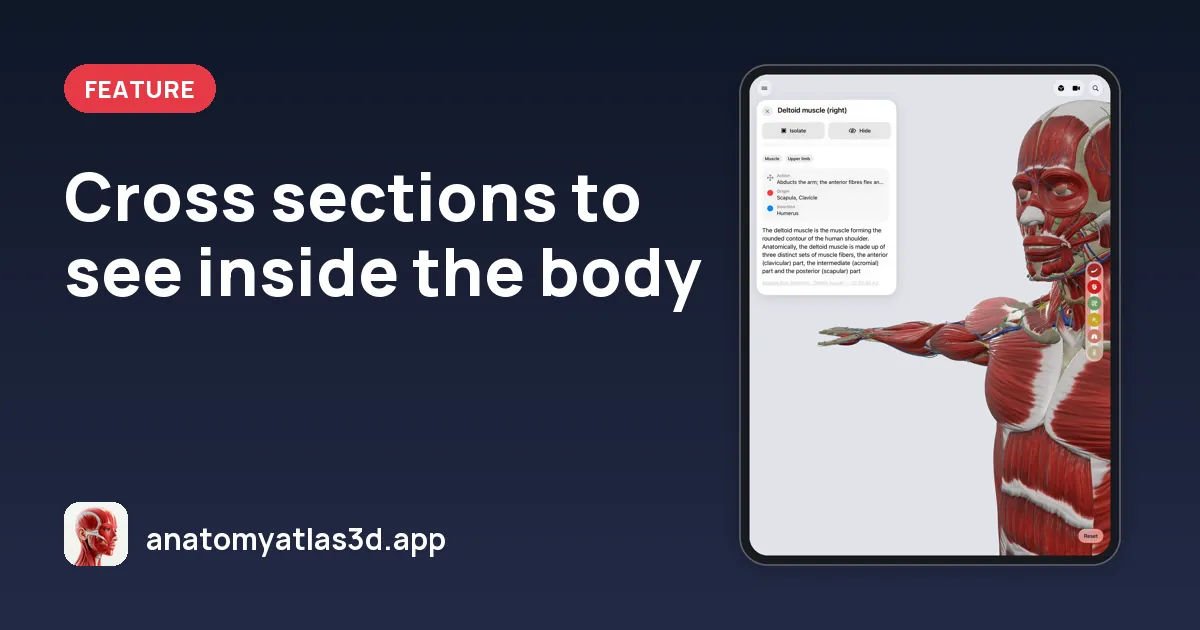
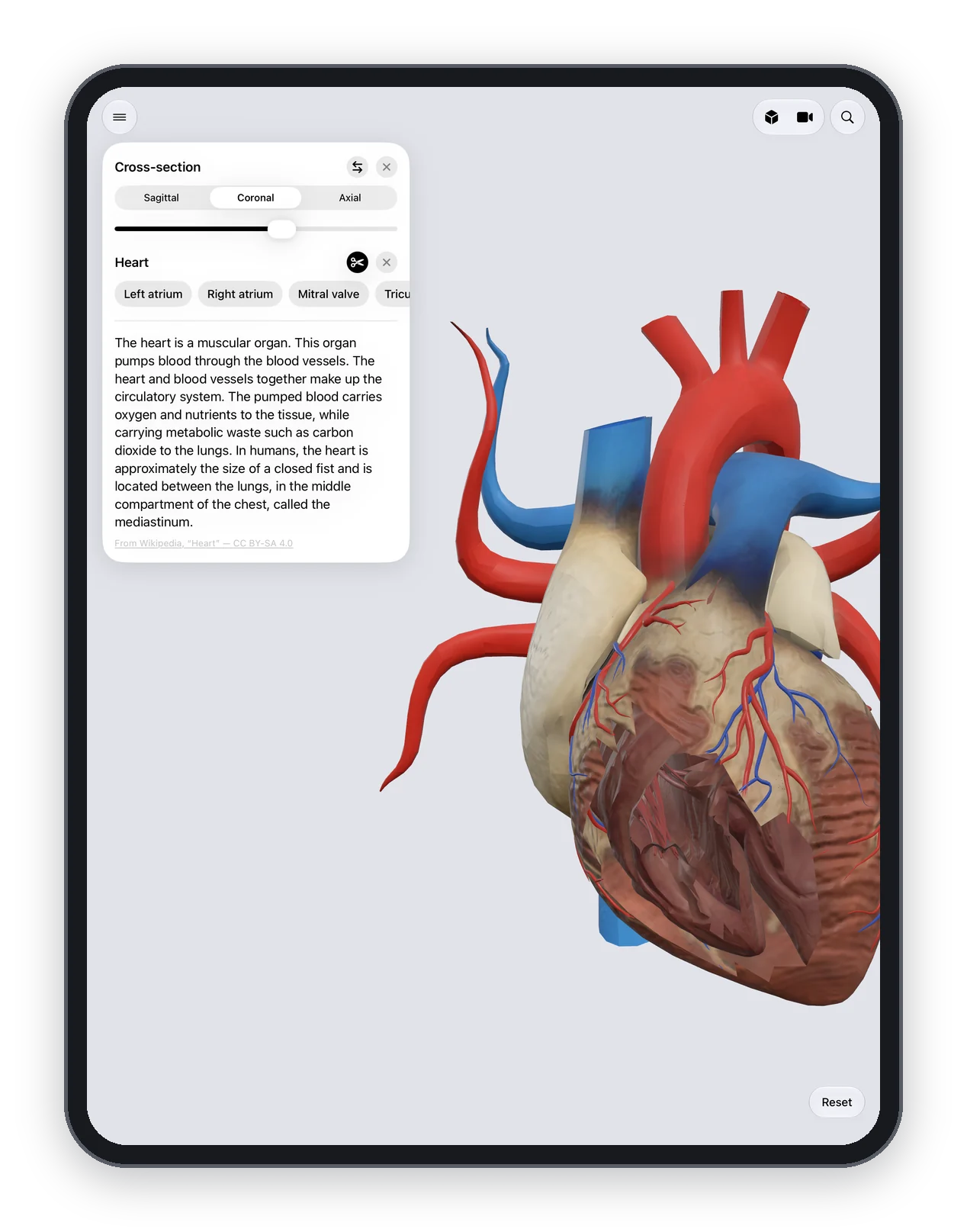
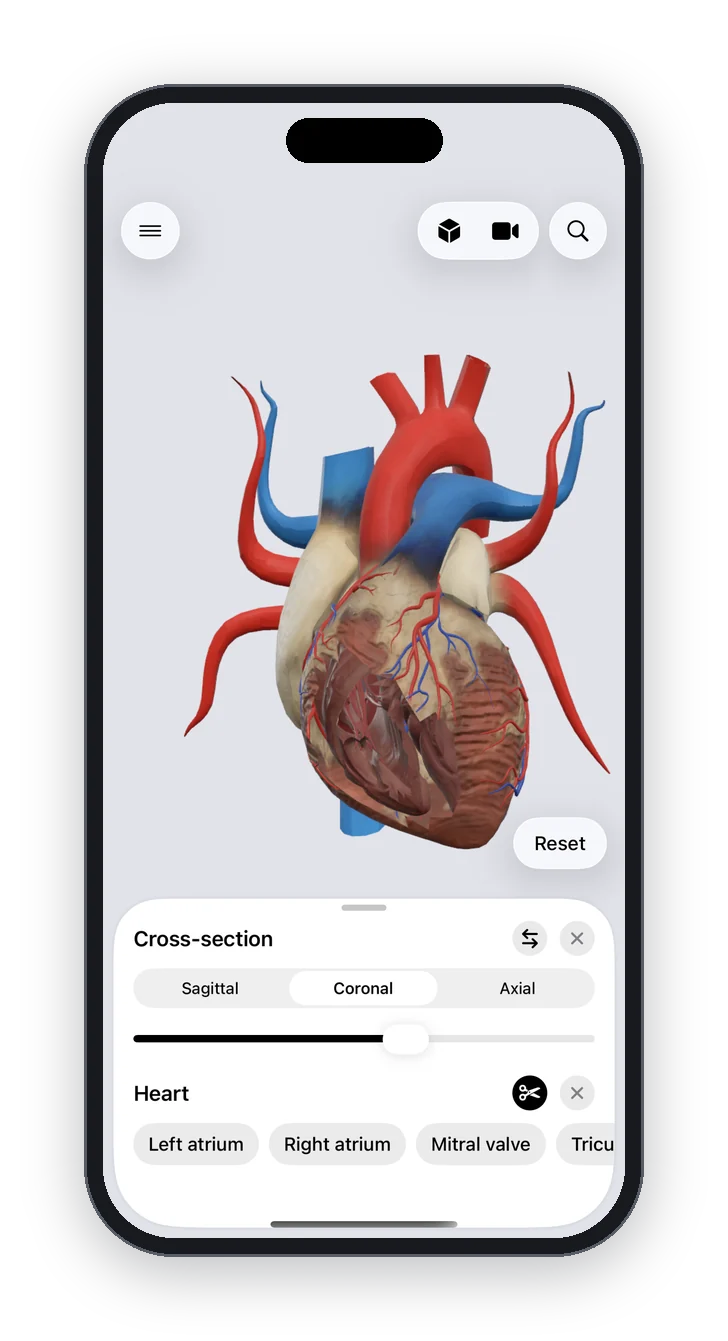
Cut the whole body or a single organ along sagittal, coronal or axial planes in Anatomy Atlas 3D, and move the plane to see what lies inside.
Medical imaging, from CT to MRI, shows the body in slices. Understanding those slices starts with knowing the three anatomical planes, and seeing a 3D body cut along them.
The three planes
| Plane | Divides the body into | Typical use |
|---|---|---|
| Sagittal | Left and right parts | Brain midline, spine, pelvis |
| Coronal (frontal) | Front and back parts | Thorax, abdomen, hip and knee joints |
| Axial (transverse) | Upper and lower parts | Most CT and MRI slices |
How it works
Open the menu and choose a cross section of the whole body, or use the cross-section control in the organ explorer. Pick the plane, then slide to move the cut through the body or the organ.
Frequently asked questions
Can I cut a single organ?
Yes. Open the organ in the explorer and apply a cross section to it.
Does it help with reading CT and MRI scans?
It helps you understand what each plane shows and how structures relate in a slice, which is the first step to reading scans. It doesn't replace imaging training.